Independent PhilHealth guide · Updated for 2026

Get through PhilHealth online registration and the Member Portal without the guesswork

Free, step-by-step help for registering online, logging in to the PhilHealth Portal, checking your contributions, downloading your MDR and understanding your benefits — written in clear English and kept current.

Last updated July 13, 2026 Reviewed by our editorial team Based on official PhilHealth circulars
Featured guides

The guides most people start with

Our most-read, most-thorough walkthroughs — reviewed and updated for 2026.

Registration

PhilHealth online registration: the complete 2026 walkthrough

Every screen of the online PMRF explained — from creating your account to receiving your PIN and printing your MDR.

Portal

PhilHealth Portal login guide: view your MDR and pay online

Sign in safely, read your Member Data Record, and generate a Statement of Premium Account to settle your contributions.

Contributions

PhilHealth contribution table 2026, explained simply

What the 5% rate, ₱10,000 floor and ₱100,000 ceiling mean for employees, freelancers and OFWs — with worked examples.

Why use this website

Clear answers you can actually act on

PhilHealth rules can be dense and change often. We turn them into plain, current, step-by-step help.

Accurate, sourced guides

Every guide is checked against official PhilHealth circulars and the Universal Health Care Act before it goes live.

Updated for 2026

Rates, forms and steps are reviewed and date-stamped, so you never follow advice that has quietly gone out of date.

Plain, simple language

No jargon and no runaround — just clear instructions written for real members, not for lawyers.

Step-by-step tutorials

Screens, checklists and worked examples that take you from the first click to a finished task.

Latest articles

Fresh from the blog

New guides, updates and answers to the questions members are asking now.

PhilHealth Dependents Guide 2026: Eligibility, Requirements & How to Add Them

PhilHealth Dependents Guide 2026: Complete Eligibility, Requirements & How to Add Them Last Updated: July 14, 2026 | By: Maria Clara Santos, PhilHealth Family Coverage Specialist with 15+ Years of Experience A father once rushed his young daughter to the hospital for an emergency appendectomy. At the admissions desk, he confidently presented his PhilHealth ID, […]

Read more

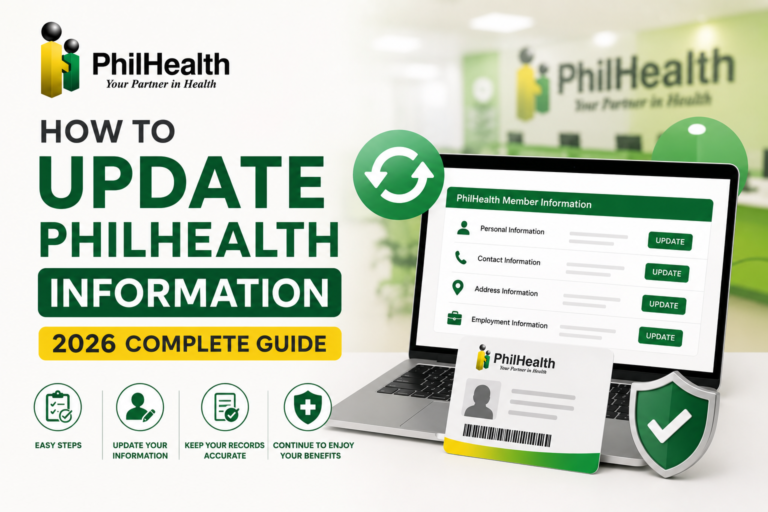
How to Update PhilHealth Information (2026 Complete Guide)

How to Update PhilHealth Information: Complete 2026 Guide for Member Records Last Updated: July 14, 2026 | By: Maria Clara Santos, PhilHealth Records & Documentation Specialist with 15+ Years of Experience A newly married colleague once excitedly changed her surname on all her social media accounts within hours of her wedding. But months later, when […]

Read more

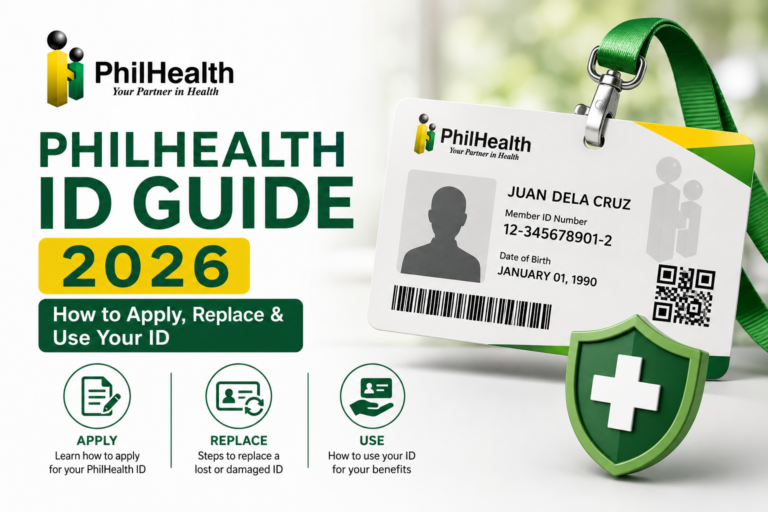
PhilHealth ID Guide 2026: How to Apply, Replace & Use Your ID

PhilHealth ID Guide 2026: How to Apply, Replace & Use Your Identification Card Last Updated: July 14, 2026 | By: Maria Clara Santos, PhilHealth Identification & Documentation Specialist with 15+ Years of Experience A young professional once arrived at a government office for a transaction, only to be told her company ID was not accepted […]

Read more

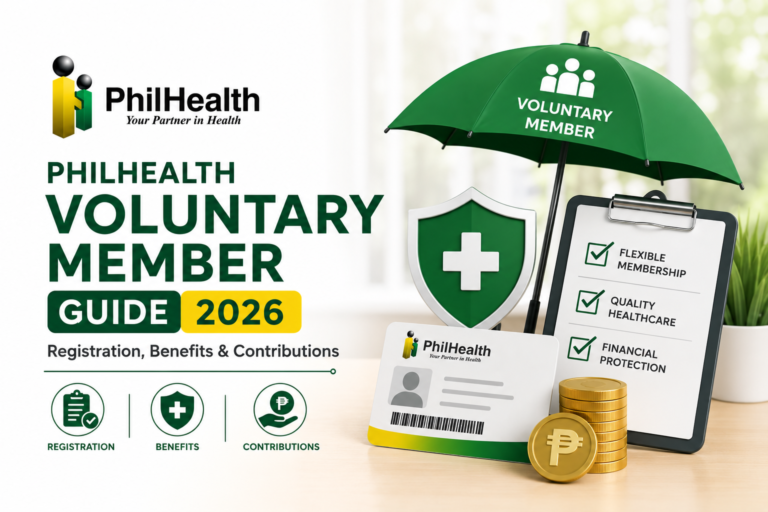
PhilHealth Voluntary Member Guide 2026: Registration, Benefits & Contributions

PhilHealth Voluntary Member Guide 2026: Complete Registration, Benefits & Contributions Last Updated: July 13, 2026 | By: Maria Clara Santos, PhilHealth Voluntary Membership Specialist with 15+ Years of Experience A former call center agent once came to me confused after resigning to care for her newborn. She had been a PhilHealth member for years through […]

Read more

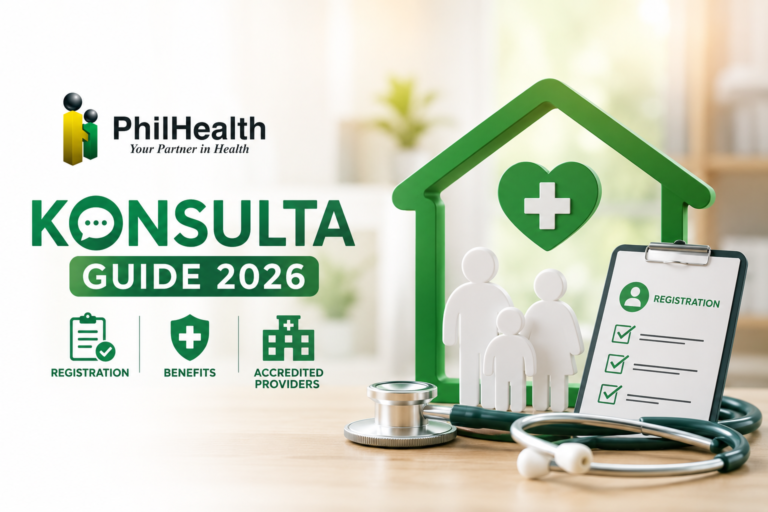
PhilHealth Konsulta Guide 2026: Registration, Benefits & Accredited Providers

  PhilHealth Konsulta Guide 2026: Complete Registration, Benefits & Accredited Providers Last Updated: July 13, 2026 | By: Maria Clara Santos, Primary Healthcare & PhilHealth Konsulta Specialist with 15+ Years of Experience A neighbor in her fifties once told me she had not seen a doctor in five years — not because she felt perfectly […]

Read more

PhilHealth Z Benefits 2026: Covered Illnesses, Eligibility & How to Apply

PhilHealth Z Benefits 2026: Complete Guide to Covered Illnesses, Eligibility & Application Last Updated: July 13, 2026 | By: Maria Clara Santos, PhilHealth Catastrophic Care Specialist with 15+ Years of Experience When a family friend was diagnosed with breast cancer, her first fear was not the disease itself — it was the cost of treatment. […]

Read more
Guide preview

PhilHealth online registration, start to finish

A quick overview of who can register, what to prepare and the exact steps. For the full walkthrough with screenshots, open the complete guide.

  1. Visit the official PhilHealth Member Portal via philhealth.gov.ph and choose to register.
  2. Complete the online PMRF (PhilHealth Member Registration Form) with your personal information.
  3. Enter a valid, active email address you can open right away.
  4. Review your details carefully, then submit the form.
  5. Check your email and confirm or activate your account.
  6. Log in to receive your PhilHealth Identification Number (PIN) and view your MDR.
  7. Generate a Statement of Premium Account (SPA) and pay your first contribution through an accredited channel.

Who can register

  • Filipinos aged 18+ without an existing PhilHealth number
  • Newly employed workers being enrolled by an employer
  • Self-employed individuals and freelancers
  • Overseas Filipino Workers (land- and sea-based)
  • Voluntary members who want active coverage

What you’ll need

  • A valid email address you can access
  • Accurate personal details (name, birth date, address, contact)
  • One valid government-issued ID
  • Names and relationship details for any dependents

Documents to prepare

  • Valid government ID (UMID, passport, driver’s licence, PhilID)
  • PSA birth certificate (for you and/or dependents, when required)
  • PSA marriage certificate (to add a spouse)
  • Proof or declaration of income (self-employed and voluntary members)

Tips before you start

  • Use your legal name exactly as it appears on your PSA documents to avoid mismatches.
  • Keep your PIN private and save your confirmation email.
  • Pay before deadlines so your coverage stays continuous.
  • Only log in on philhealth.gov.ph — official PhilHealth pages never ask for your password by email or chat.
At a glance

A resource built to be reliable

What you can expect from every page on yellowgreen-hamster-690610.hostingersite.com.

20+ PhilHealth topics covered
2026 Rates & rules updated
Free To read, no sign-up
Plain English in every guide
Questions & answers

PhilHealth registration and portal FAQs

Quick answers to the questions members ask most. Tap a question to expand it.

How do I complete my PhilHealth online registration?
If you don't have a PhilHealth number yet, go to the official PhilHealth Member Portal from philhealth.gov.ph and open the online registration form (the electronic PMRF). Enter your personal details and a working email address, submit the form, then check your inbox to confirm your account. You'll be issued a PhilHealth Identification Number (PIN) that you can use to log in, view your Member Data Record (MDR) and start paying contributions.
What is the PhilHealth Portal and what can I do there?
The PhilHealth Member Portal is the official online account where members can view their MDR, check posted contributions, update basic information, and generate a Statement of Premium Account (SPA) to pay online. Always sign in only through the official philhealth.gov.ph site — never enter your login details on any third-party page, including this one.
How much is the PhilHealth contribution in 2026?
For 2026 the premium rate is 5% of your monthly basic salary or declared income, with a salary floor of ₱10,000 and a ceiling of ₱100,000. That works out to a minimum of ₱500 and a maximum of ₱5,000 per month. Employed members split this equally with their employer (2.5% each), while self-employed, voluntary and OFW members generally shoulder the full 5%. This is the final rate under the Universal Health Care Act (RA 11223). Always confirm the current figure on philhealth.gov.ph before you pay.
I forgot or lost my PhilHealth number. How can I recover it?
You can retrieve a lost PhilHealth Identification Number by contacting the PhilHealth Action Center at (02) 8441-7442, emailing actioncenter@philhealth.gov.ph, messaging PhilHealth on its official social media, or visiting any PhilHealth office with a valid ID. If you registered online before, your PIN also appears inside your Member Portal account.
What is the difference between the PMRF, MDR and PhilHealth ID?
The PMRF (PhilHealth Member Registration Form) is what you fill out to register or update your details. The MDR (Member Data Record) is the summary of your membership information and dependents that you can print from the portal. The PhilHealth ID is the physical or digital card that carries your PIN. They are related but serve different purposes.
How do I register with PhilHealth as an OFW?
Overseas Filipino Workers register under the Direct Contributor category. You can set or update your membership to OFW using the PMRF — online through the Member Portal, or at a PhilHealth office or overseas collecting partner. Contribution and remittance rules for OFWs have changed several times, so confirm your current requirements with the PhilHealth OFW desk or your agency before paying.
Are senior citizens required to pay PhilHealth contributions?
No. Under Republic Act No. 10645, Filipino senior citizens (60 years and older) are covered by PhilHealth without paying premiums — their contributions are subsidised by the government, and they still receive full benefits. It is worth confirming that your membership record is up to date so your coverage is recognised.
How do I become a voluntary or self-employed PhilHealth member?
If you're not employed, you can enrol or shift to the Self-Earning/Voluntary category by submitting a PMRF and declaring your monthly income. You then pay the full 5% premium yourself through accredited channels such as banks, e-wallets like GCash, or PhilHealth offices. Paying on schedule keeps your coverage active.
How can I check my PhilHealth contributions?
Log in to the PhilHealth Member Portal from philhealth.gov.ph to view your posted contributions and MDR. You can also inquire at any PhilHealth office or call the hotline at (02) 8441-7442. If some payments are missing, keep your official receipts and coordinate with your employer or the collecting agent.
How do I download or print my MDR?
After logging in to the Member Portal, open your Member Data Record and use the print or download option to save a PDF copy. If you cannot access the portal, you can request a printed MDR at any PhilHealth branch with a valid ID.
How do I update my PhilHealth information, such as my name or dependents?
Changes to your civil status, name, address or dependents are made through the PMRF, with supporting documents such as PSA birth or marriage certificates. You can begin updates through the Member Portal or complete them at a PhilHealth office.
Is this the official PhilHealth website?
No. yellowgreen-hamster-690610.hostingersite.com is an independent educational resource that explains PhilHealth processes in plain English. We are not affiliated with PhilHealth or the Philippine government, and we cannot process registrations, payments or claims. For official transactions and the most current rules, always use philhealth.gov.ph or contact PhilHealth directly.
Editorial process

How we research and write our guides

We take accuracy seriously because these topics affect real money, coverage and health. Here is how every guide is made.

  1. Research from primary sources

    We start with official PhilHealth circulars, advisories and the Universal Health Care Act, plus first-hand walkthroughs of the actual online forms.

  2. Write in plain English

    We translate dense government wording into clear, step-by-step instructions that anyone can follow.

  3. Fact-check every detail

    Rates, deadlines, requirements and links are verified before publishing, and we flag anything that varies by member type.

  4. Review and date-stamp

    Guides are reviewed on a schedule and marked with a last-updated date, so you always know how current the information is.

Why trust us

  • Independent and reader-first. No government affiliation and no hidden agenda — just useful guidance.
  • Sources you can check. We point you to official PhilHealth channels for every transaction.
  • Transparent updates. Visible review dates, and corrections when rules change.

Independent resource disclaimer

yellowgreen-hamster-690610.hostingersite.com is an independent, educational website. We are not affiliated with, endorsed by, or connected to the Philippine Health Insurance Corporation (PhilHealth) or any Philippine government agency. We do not process registrations, contributions, claims or ID applications.

The information here is provided in good faith for general guidance only and may change over time. For official transactions and the most accurate, up-to-date information, always use the official PhilHealth website at philhealth.gov.ph or contact PhilHealth directly at (02) 8441-7442.